When you open your site from the iynk dashboard, you’ll see the main editor view:
Left sidebar: This is where you’ll add new sections, edit pages, and access design tools.
Canvas: The live preview of your site. Click anything here to edit text, images, and buttons directly.
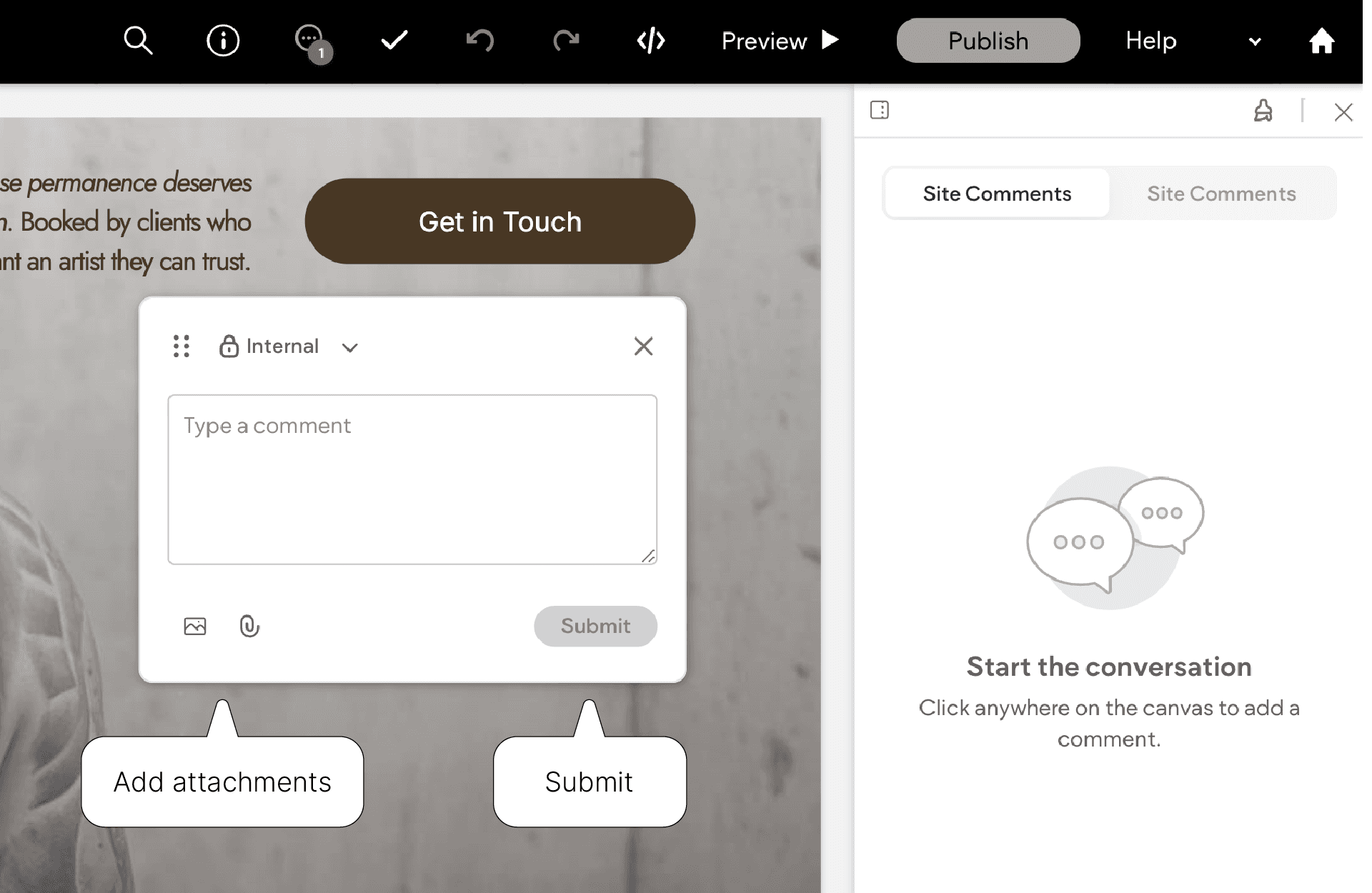
Top bar: Controls for undo/redo, device preview (desktop, tablet, mobile), and publishing your changes.
You can safely experiment. you can always hit undo and nothing goes live until you click Publish.
Editing Text
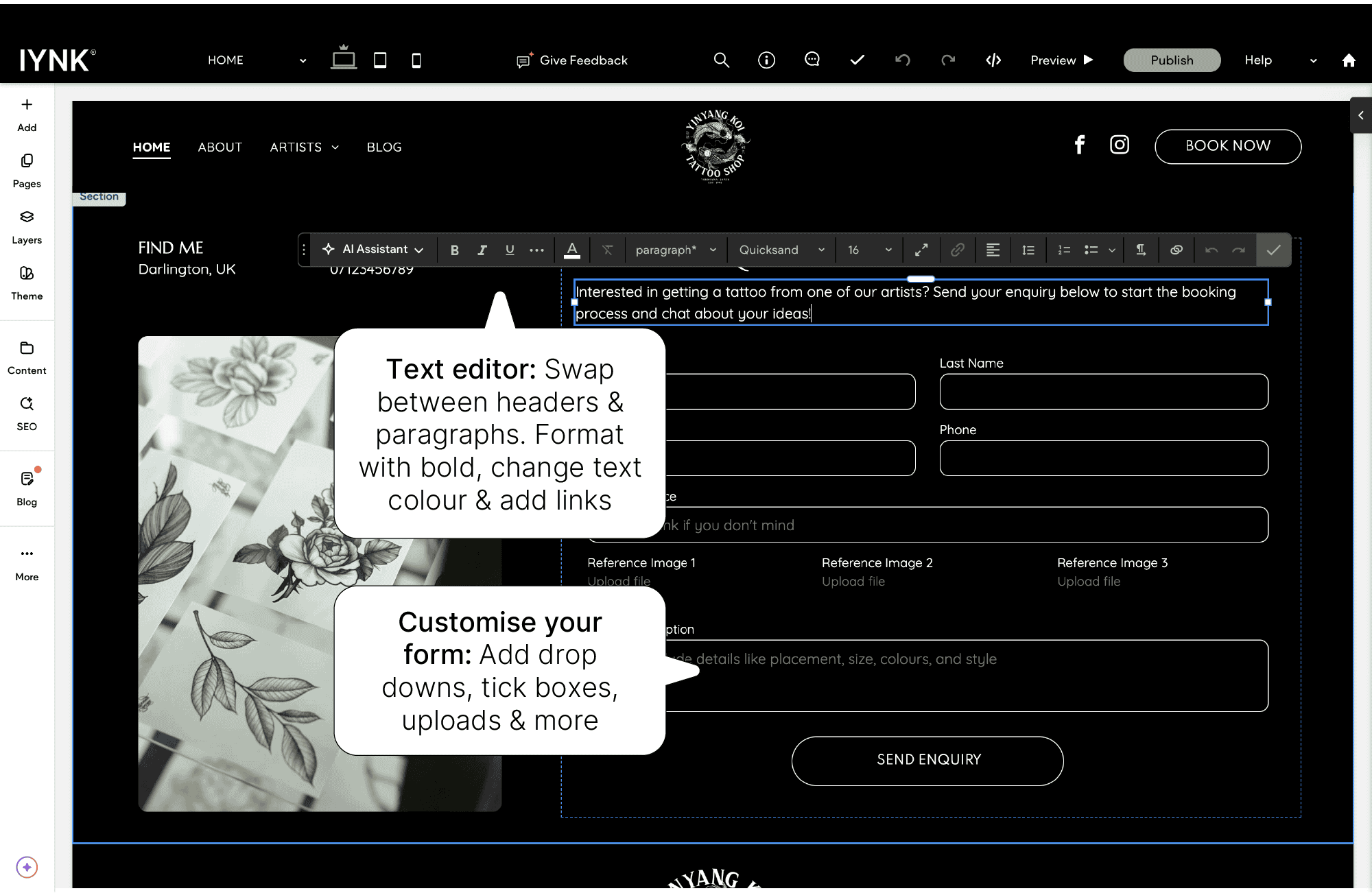
Click on any text to start typing. Use the small toolbar that appears to:
Change font size, alignment, or colour
Add links to buttons or text
Adjust spacing for cleaner layouts
Keep paragraphs short and natural, especially on your Home and About pages. Make sure to use SEO friendly keywords to help people find your new site, this can be anything from location to signature styles.
Updating Images
Click an image to replace it. You can:
Upload your own images (JPG or PNG recommended)
Use PNG to maintain transparency on logos.
Use the built-in image editor to crop or resize
Adjust image focus on mobile if something looks off
Tip: Upload clear, well-lit photos of your tattoos or studio space. Avoid heavy filters, natural lighting looks best and is more honest when it comes to client results.
Adding or Removing Sections
To add new parts to your page:
Hover between existing sections until a + Add Section button appears.
Choose from pre-made layouts (text blocks, portfolios, contact forms, etc.).
Click to insert and start editing.
To remove a section, hover over it and click the bin icon.
Managing Your Pages
Click Pages in the sidebar to:
Rename or reorder your site’s pages
Hide pages you’re not ready to publish
Duplicate a layout to create similar pages quickly
Don't forget to check the URL is clear and accurate, for SEO and professionalism
Mobile Editing
Switch to mobile view at the top of the editor to see how everything looks on phones. You can adjust spacing or hide certain elements for mobile only - perfect for keeping things clean and readable.

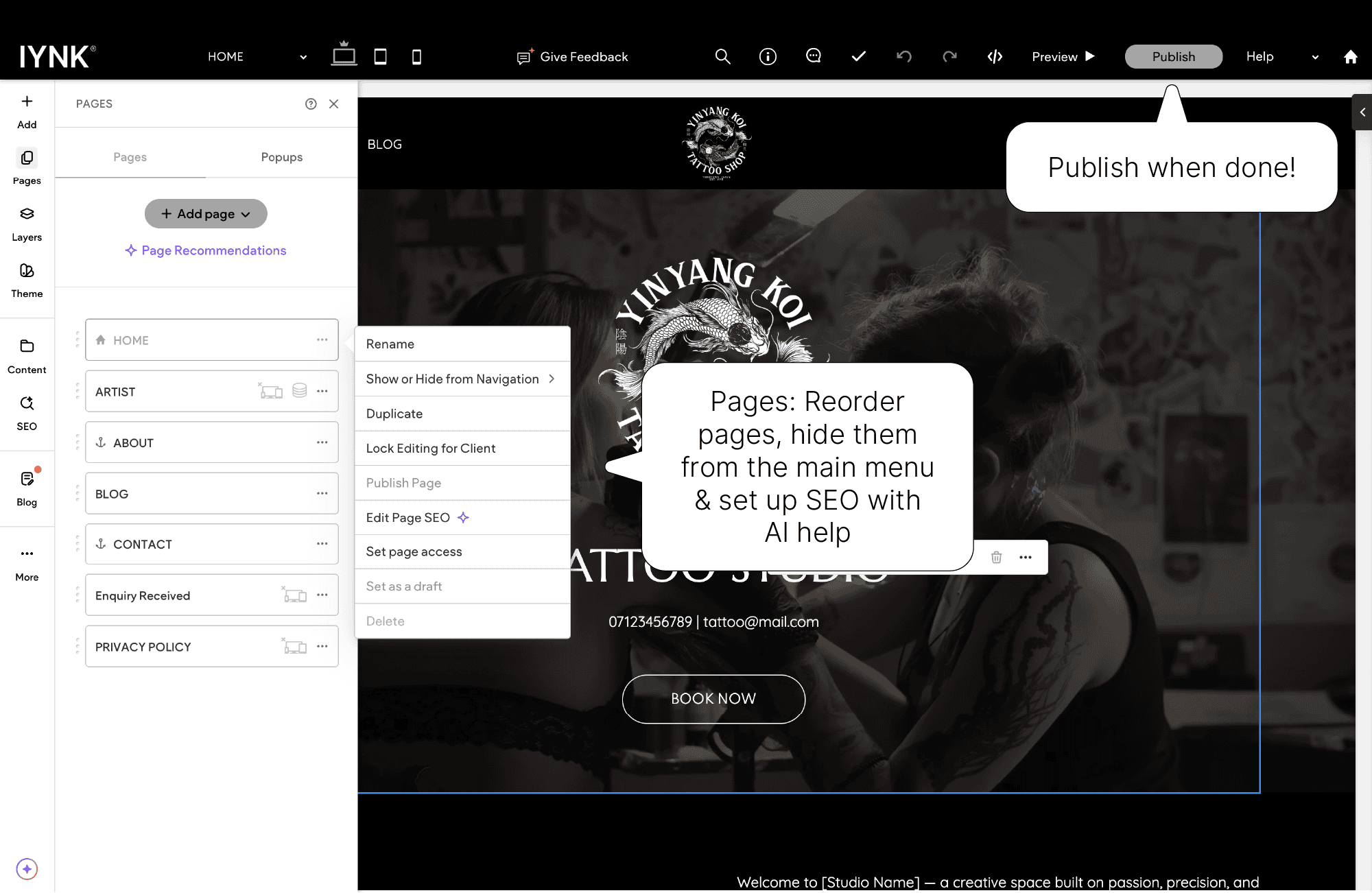
Once you’re happy, click Publish in the top right corner.
Your live site will update instantly. You can publish as often as you like.
Quick Tips for Best Results
Keep your portfolio fresh - update it regularly.
Avoid overcrowding sections; less text and strong visuals work best.
Preview on desktop, tablet and mobile before publishing.
If something looks off, hit Undo - you can’t break anything!
If you get stuck, just let us know and we can help!